Fire TV
TiviMate on Fire TV Stick — Complete 2026 Setup Guide
March 14, 2026 at 10:15 · 9 min read
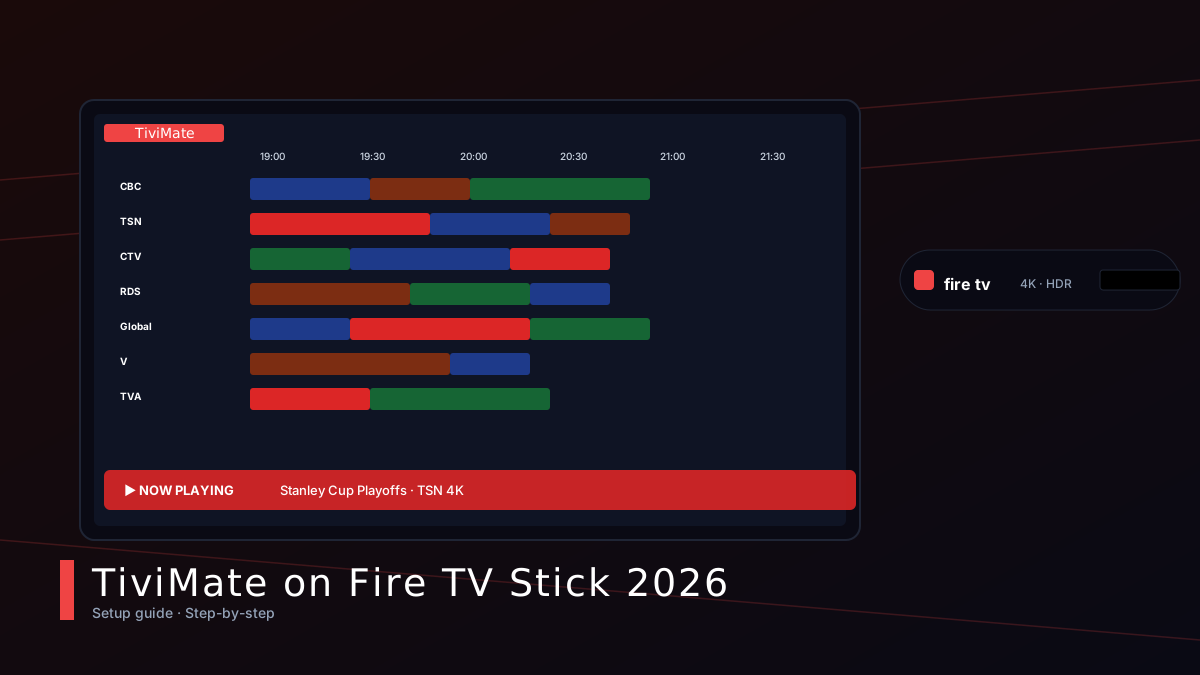
TiviMate is the gold standard for IPTV on Amazon's Fire TV Stick. The interface is fast, the EPG grid is gorgeous, and — unlike the official Amazon Appstore player — it supports multi-screen, catch-up, recording (with the paid tier) and proper codec handling. This 2026 guide walks you from a freshly-unboxed Fire TV Stick to a fully-loaded TiviMate installation in under 10 minutes.
Why TiviMate and not the built-in player?
Amazon's default IPTV app is serviceable, but TiviMate blows it out of the water on three things: (1) a real grid EPG that shows what's on across every channel for the next 7 days, (2) catch-up TV so you can rewind to a show that started up to 7 days ago, and (3) hardware-accelerated decoding that smooths out 4K streams on the Fire TV Stick 4K Max. The premium tier ($5/year) adds recording to a USB drive, multi-view, and picture-in-picture. For the cost of a coffee, it's the best IPTV upgrade you'll ever buy.
Step 1 — Allow installs from unknown sources
From the Fire TV home screen, open Settings → My Fire TV → Developer Options. Switch on both 'ADB Debugging' and 'Apps from Unknown Sources'. Confirm the warning dialog — Amazon shows it to remind you that you're responsible for what you install. This is the same switch every Fire TV app like Kodi, Downloader and TiviMate uses, so don't worry, it's standard.
Step 2 — Install the Downloader app
Press and hold the Alexa voice button on the remote and say 'Downloader'. The official AFTVnews listing appears at the top of the Appstore. Install it like any other app — it weighs in at about 4 MB and only takes 20 seconds. Downloader has been the de-facto sideloading tool for Fire TV since 2017 and it's still the simplest path to install an APK URL.
Step 3 — Pull the TiviMate APK
Open Downloader, type the official TiviMate URL into the home tab and hit Go. The latest APK is hosted on the official site; grab the 'TiviMate-4.x.x-arm64.apk' build for the 4K Stick. The file is around 12 MB, so a wired Ethernet connection will pull it in 5–8 seconds; on Wi-Fi you can expect 15–20 seconds.
Step 4 — Install and open TiviMate
When the download finishes, Downloader will auto-prompt to install the APK. Click 'Install', then 'Open' to launch TiviMate. The first run will ask you to add a playlist — this is where your M3U URL or Xtream Codes credentials come in. Use the username/password format from your iptvCANADA welcome email and TiviMate will sync the full channel list and EPG automatically.
Tweaks we recommend after install
Open TiviMate's settings panel and enable hardware decoding (Settings → Player → Hardware decoding), set the buffer to 'High' (Settings → Player → Buffer), and turn on 'Timeshift' for catch-up TV (Settings → Playback → Timeshift). The 'Group channels by category' option keeps the EPG tidy on screens with thousands of channels. Finally, head to Settings → Appearance and switch on the dark gradient theme — it looks gorgeous on OLED TVs.
Troubleshooting common issues
If the EPG shows 'No information', open Settings → EPG → Update and re-import. If a stream buffers, lower it from 4K to 1080p by long-pressing the channel and choosing 'Stream format → 1080p'. If TiviMate crashes, clear its cache (Settings → Apps → Manage → TiviMate → Clear cache) and re-add the playlist. And if your Fire Stick feels sluggish after months of use, factory-reset it once a year from Settings → My Fire TV → Reset to Factory Defaults.
Authoritative external resources
We've vetted the following official sources — each opens in a new tab and is marked nofollow: