Apple TV
IPTV on Apple TV with iPlayTV — 2026 Setup Guide
March 6, 2026 at 14:00 · 8 min read
Apple TV 4K is the cleanest IPTV hardware money can buy. tvOS supports Dolby Vision and Dolby Atmos natively, the Siri remote is genuinely excellent, and the App Store has real native IPTV clients (no sideloading, no workarounds). iPlayTV is our top pick for Apple TV in 2026 — it costs $7.99 once and supports M3U plus Xtream Codes, a real grid EPG, catch-up and a beautiful dark interface. Here's the full setup.
Why iPlayTV over the other Apple TV IPTV apps?
There are three solid native IPTV apps on tvOS: iPlayTV, IPTV Smarters and GSE IPTV. iPlayTV wins on the EPG grid (best in class), on Dolby Vision passthrough, and on the new tvOS focus-engine integration. The one-time $7.99 fee covers every Apple TV in the same iCloud family — no subscription, no ads.
Step 1 — Open the App Store on your Apple TV
From the Apple TV home screen, launch the App Store. Use the Siri remote's touchpad to navigate, or speak into it: 'Open App Store'. The store UI is the same as iPhone/iPad — search at the top, then the recommended carousel below.
Step 2 — Search for iPlayTV
Press the search icon and type 'iPlayTV'. The app is published by 'iPlayTV' (developer is Manuel Gerlach). Buy the app — the $7.99 unlocks it for your Apple ID. There's no in-app subscription, so this is genuinely a one-time cost.
Step 3 — Add your playlist
Open iPlayTV, hit the '+' button in the top right, and choose 'M3U URL' (or 'Xtream Codes' if your welcome email gave you credentials). Paste the M3U URL or your server URL + username + password. iPlayTV will download the channel list in about 10–30 seconds and the EPG in another minute or so.
Step 4 — Use the grid EPG
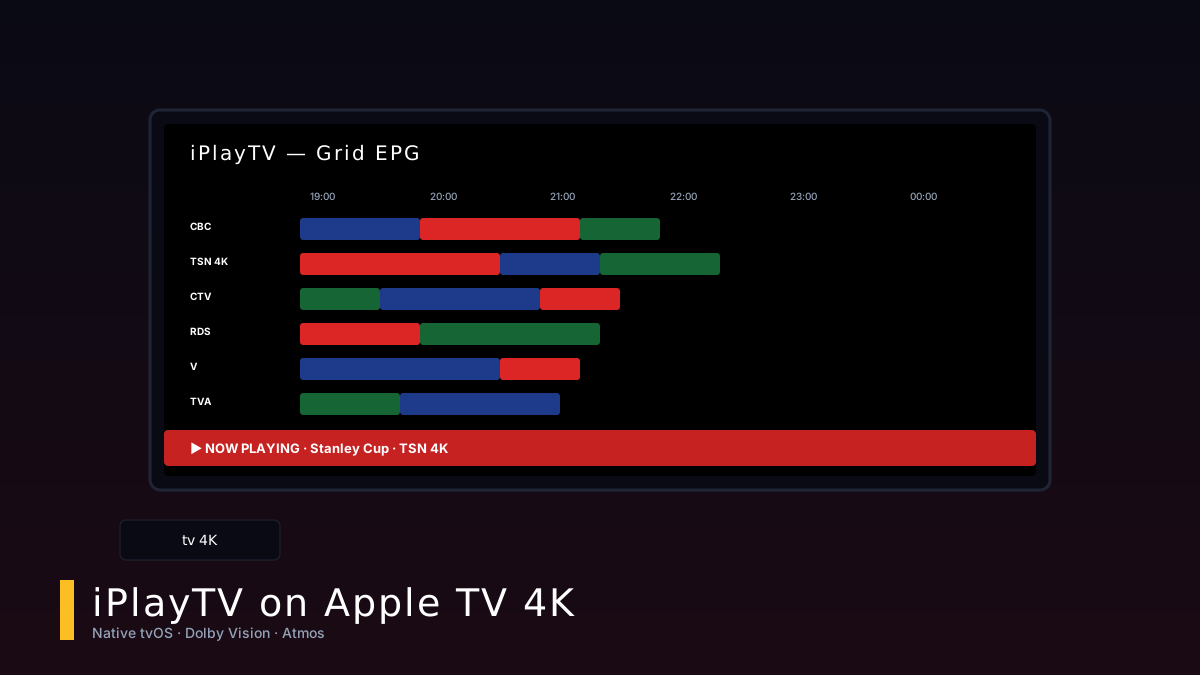
Swipe down from the top of the screen to reveal the EPG grid. Each row is a channel; each column is a 30-minute slot. Click a programme to 'Watch now', 'Record' (with a connected USB drive), or 'Info' to see the synopsis. The grid is butter-smooth at 60 fps thanks to tvOS's focus engine.
Picture & sound tips
On Apple TV 4K, go to Settings → Video & Audio → Match Content and enable 'Match Dynamic Range' and 'Match Frame Rate'. This makes iPlayTV automatically switch to the source's native resolution and frame rate — you'll get true 4K24 for movies and 4K60 for live sports, with no judder. For Atmos, ensure your soundbar or AV receiver is connected via HDMI eARC and that 'Audio Format' is set to 'Auto, Atmos Available'.
Trusted external resources
These are the official sources we link to from this guide: